Organize PDF
How to Merge Two PDF Files Into One for Free
Combine exactly two PDFs into a single file in a few clicks, with no account and no software to install.
By David Valle

The most common merging task by far is not combining a dozen files, it is joining exactly two: a cover letter and a resume, a contract and its signature page, or an invoice and a receipt. A merge PDF tool handles this in under thirty seconds, without needing an account or any software installed.
The three-step process for two files
- Upload the first file, then the second, in the order you want them to appear.
- Confirm the order in the preview, swapping them if needed.
- Combine and download the single resulting PDF.
No file size limit tricks, no watermark stamped across your pages, and no email address required. The two original files stay exactly as they were, just joined together.
Why order matters more than people expect
With only two files, it is tempting to skip checking the order before combining, since there is only one possible mistake to make. That single mistake, though, is common enough to be worth a quick habit: most tools list uploaded files in the order they were added, not necessarily the order you meant. Glancing at the preview thumbnails for two seconds before combining catches this every time, and costs far less time than re-sending a document after a recipient points out that the resume came before the cover letter.

What happens to formatting during the merge
Merging does not touch the internal formatting of either file. Fonts, embedded images, and page size all carry over exactly as they were in the source documents. This means the two files do not need to share the same page size or orientation; a portrait-oriented cover letter and a landscape-oriented spreadsheet export can be combined into the same PDF without either one being stretched or cropped to match the other.
A common two-file scenario: cover letter and resume
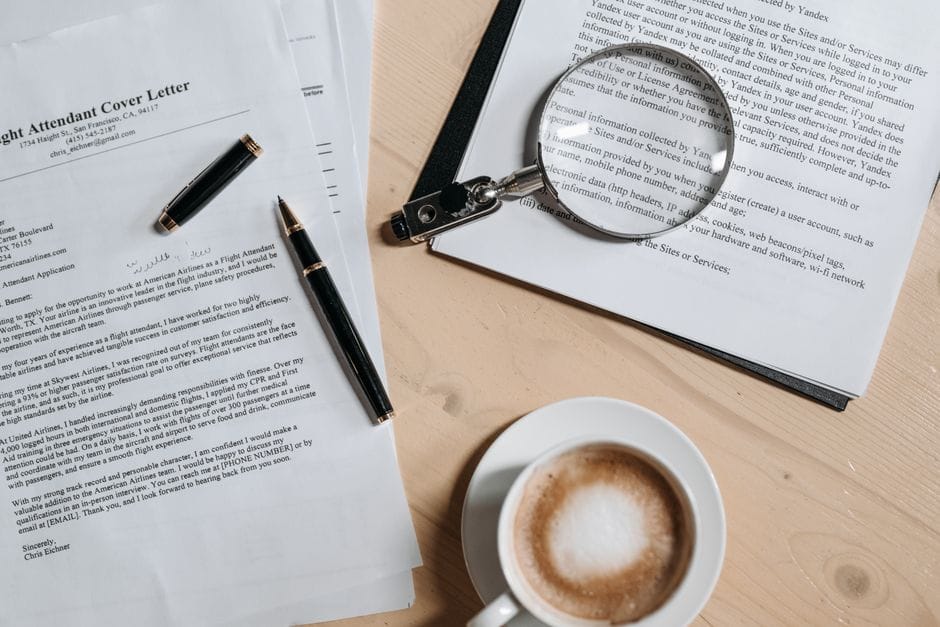
Job applications are one of the most frequent reasons someone needs to merge exactly two files, since many application systems accept only a single attachment. The straightforward approach is to prepare the cover letter and resume as two separate PDFs first, since keeping them separate during writing and editing is usually easier, then merge them into one file only at the final step before submitting. This avoids fighting with two documents inside a single file while still drafting either one.
When two files should stay separate instead
Related guides: how to insert pages from one PDF into another at a specific position and insert vs merge: which tool to use.
Not every pair of related documents benefits from merging. If a recipient specifically asked for a resume and a portfolio as two separate attachments, for instance, combining them into one file works against what was requested. Merging is the right move when a system or person expects a single file; it is the wrong move when separate attachments were explicitly asked for, since undoing a merge to get back to separate files is more work than leaving them apart in the first place.
Checking the result before sending it anywhere important
A quick open-and-scroll through the merged file, even for something as simple as two pages joined into one, catches the two most common small mistakes: the wrong order, and a page that renders unexpectedly if one of the source files had an unusual page size or orientation. This takes a few seconds and is far cheaper than discovering the issue after a document has already reached someone else, particularly for something like a job application where a second impression rarely comes free. For anything going to a client, an employer, or an official system, treating this check as a normal last step, rather than an optional one, avoids the small but real risk that comes with skipping it.
Frequently asked questions
Does merging two PDFs reduce the quality of either one?
No. The merge only joins the two files together; it does not re-compress, resize, or otherwise alter anything inside either original document.
Can a Word document and a PDF be merged directly?
Not in one step. Convert the Word document to PDF first, then merge the resulting PDF with the other file.
Is there a limit to how many times I can merge files for free?
OnlyPDF's merge tool has no hidden limit on repeated use, since the entire process runs in your own browser rather than through a metered server-side service.
Merging exactly two files is the simplest version of a broader organizing task, and the same merge PDF tool that handles two files handles twenty just as easily, should the need ever grow beyond a simple pair.
Similar articles
 Organize PDFHow to Combine PDF Files Without Adobe Acrobat
 Organize PDFHow to Merge, Reorder, and Organize PDF Files (Complete Guide)
 Organize PDFHow to Merge PDF Files in Order on Your Phone
 Organize PDFHow to Rotate PDF Pages Permanently (Not Just in Your Viewer)
 Organize PDFHow to Fix a Sideways or Upside-Down Scanned PDF